Free product image studio

Your product.
A cleaner background.

Remove a plain background, erase or restore edges, then choose a marketplace preset or add your own background. Export a square PNG for free.

JPG, PNG or WebP · up to 15 MB. Your images stay in your browser.

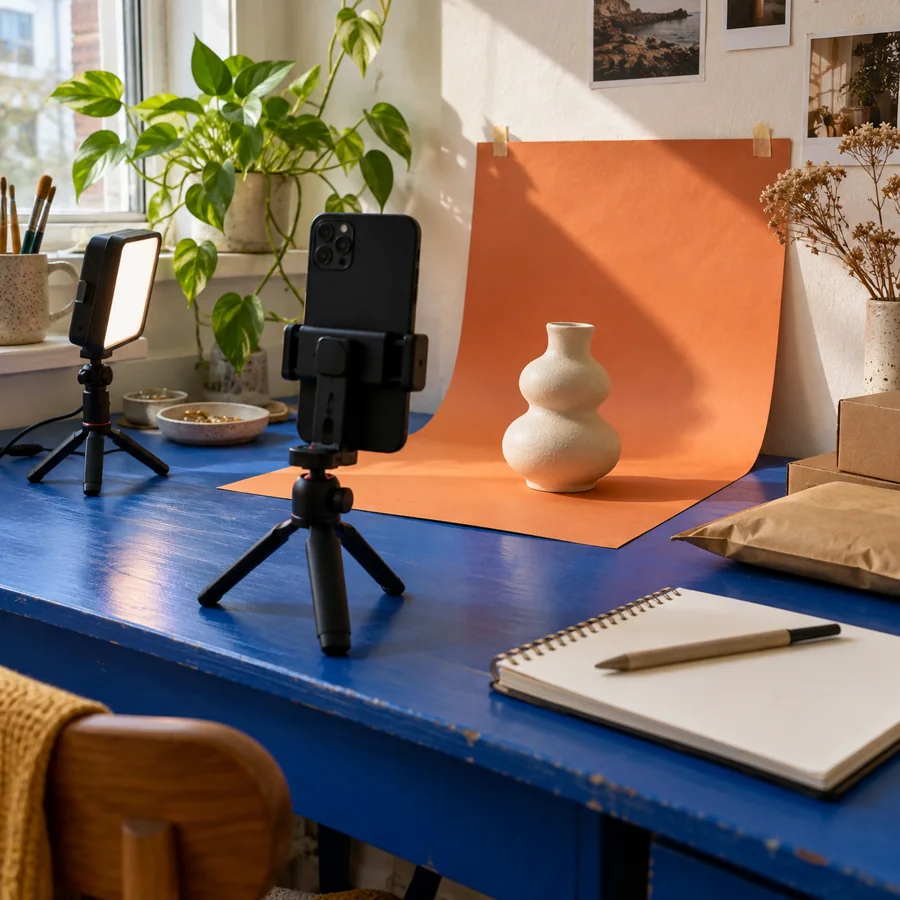
A phone photography setup for a product

Your product, ready to present.

Upload an image to start.

No image uploaded.

Make it fit your marketplace

Presets are starting points. Confirm the current rules for your category and image type.

Remove a plain background

Works best when the outer edges share a similar colour. Busy backgrounds may need the touch-up brush.

Touch up the cutout

Draw over the preview to erase or restore the product. Touch-ups work on the product layer.

Choose the right image for the listing.

The automatic tool removes a plain, edge-connected background. It is not an AI subject detector; check the preview and use Restore for pale product edges. No image is uploaded to a server, and no marketplace approval is guaranteed.

Amazon image guidance ↗ · eBay photo guidance ↗

A little more detail, when you need it

Free product photo editing for marketplace listings

Start with a clear original photograph

Use even light and a plain background, with the whole product visible. Keep the actual colour, material and condition honest. Photograph multiple angles when details matter. A cleaner background can improve presentation, but it cannot fix a blurred photograph or supply information that is missing from the original image.

Read practical listing tips

Remove, restore and choose a background

The automatic remover works on a plain background connected to the outer edges of the photo. Busy scenes and pale product edges may need manual erase or restore work. Choose white, a warm neutral, transparency, a custom colour or an uploaded background. Review the preview before exporting: the tool is not an AI subject detector.

Explore more free seller tools

Check the rules for the finished listing

Amazon, eBay, Etsy, Shopify and TikTok Shop presets help you start with a layout and backdrop. They do not guarantee marketplace acceptance. Check the current requirements for your channel, category and image type, particularly the main listing image. The studio processes your images in your browser and exports a square PNG without a SellerBundle account.

Find your marketplace profile